Faster big models, richer annotations, HDR skyboxes
Thu Jun 11 2026Big models now stream on any device, annotations hold files and images, and scenes can use High Dynamic Range (HDR) skyboxes. Uploading moved to your dashboard, and the editor got faster and more precise.
Stream massive models on any device

Large uploads now build their own quality variants, so you no longer prepare each one by hand. You upload one high-quality file, and Blurry generates the lighter versions for you and your audience.
Loading is faster too. We improved our network infrastructure, so large scenes stay responsive and massive models load in no time. We also expanded coverage in Asia, so models load faster for users in that region.
Richer annotations with files and images
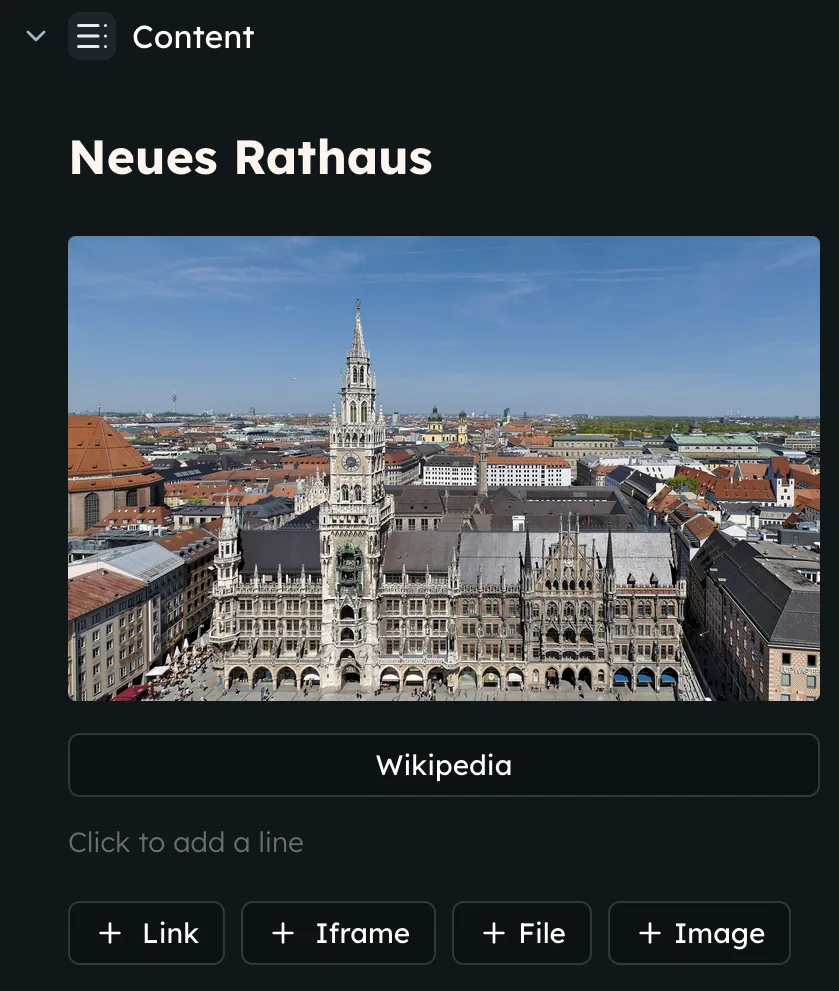
Annotations are now rich. You can add paragraphs and headings, reorder blocks by dragging, and your edits save as you type.
You can now also add links, drop in images, attach downloadable files, and even embed iframes.
Set the scene with HDR skyboxes
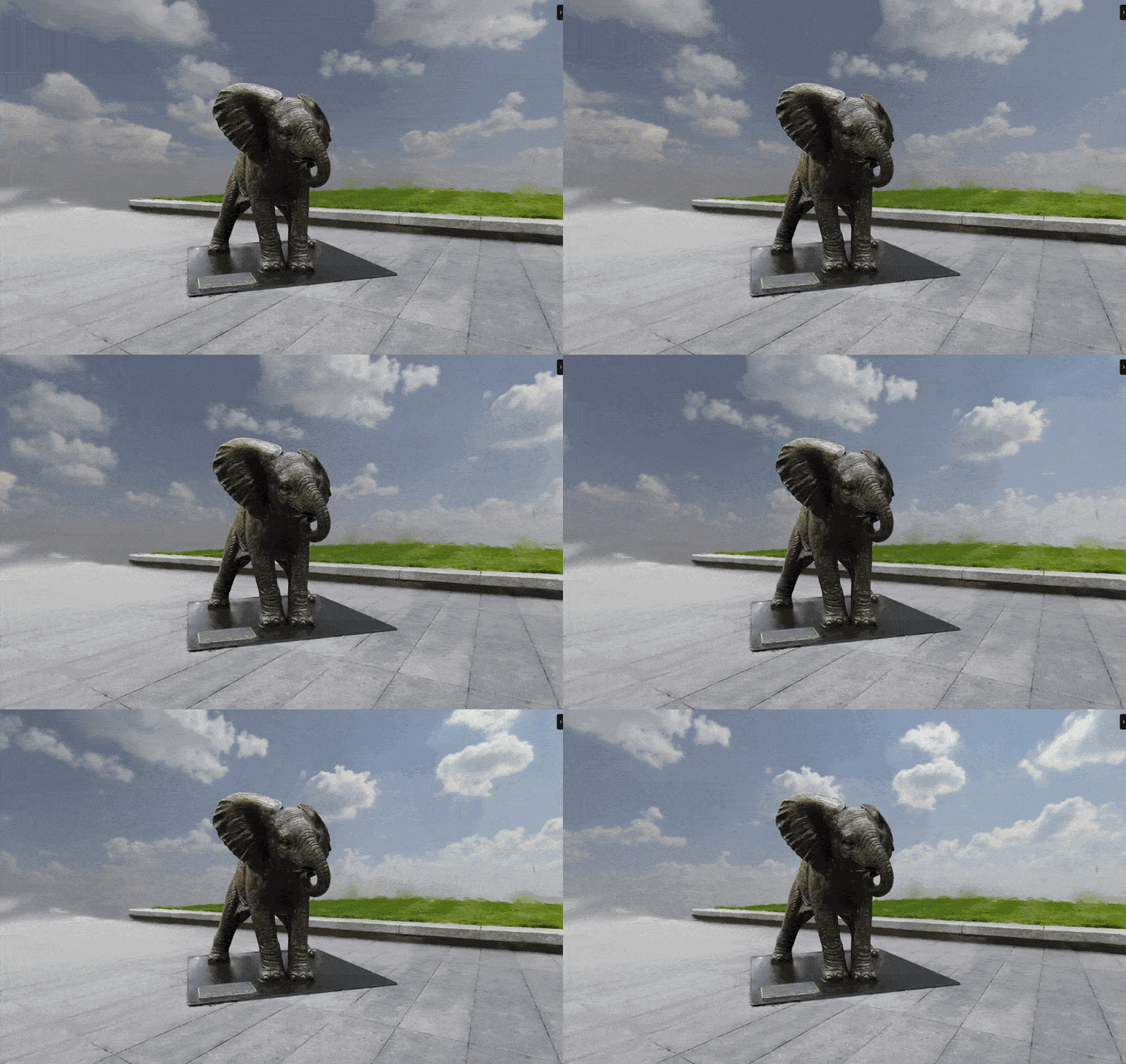
You can polish a scene with a skybox from our catalogue in a few clicks. Pick one, then tune rotation, blur, exposure, tint, and tint strength. The skybox renders in shared scenes too, so viewers see the same environment you set.
A faster way in, and a sharper editor
Uploading moved to your dashboard, so you create, upload, name, and track a scene in one place. Run several uploads at once, and switch between models to edit as they are uploading.
The dashboard sidebar also shows scene details and gives you a faster path to share or embed a model.
The editor gained several tools:
- Hybrid camera: fly with WASD and Q/E, drag to look around, then click a point to orbit it
- Orbit pivot helper: see the orbit target, and the editor restores it across waypoints
- Numeric colour controls: type exact values instead of nudging sliders
- Brand new layout: editing tools sit in one consistent place
- Scene statistics: read splat counts, raw size, and the LoD file breakdown in the editor.