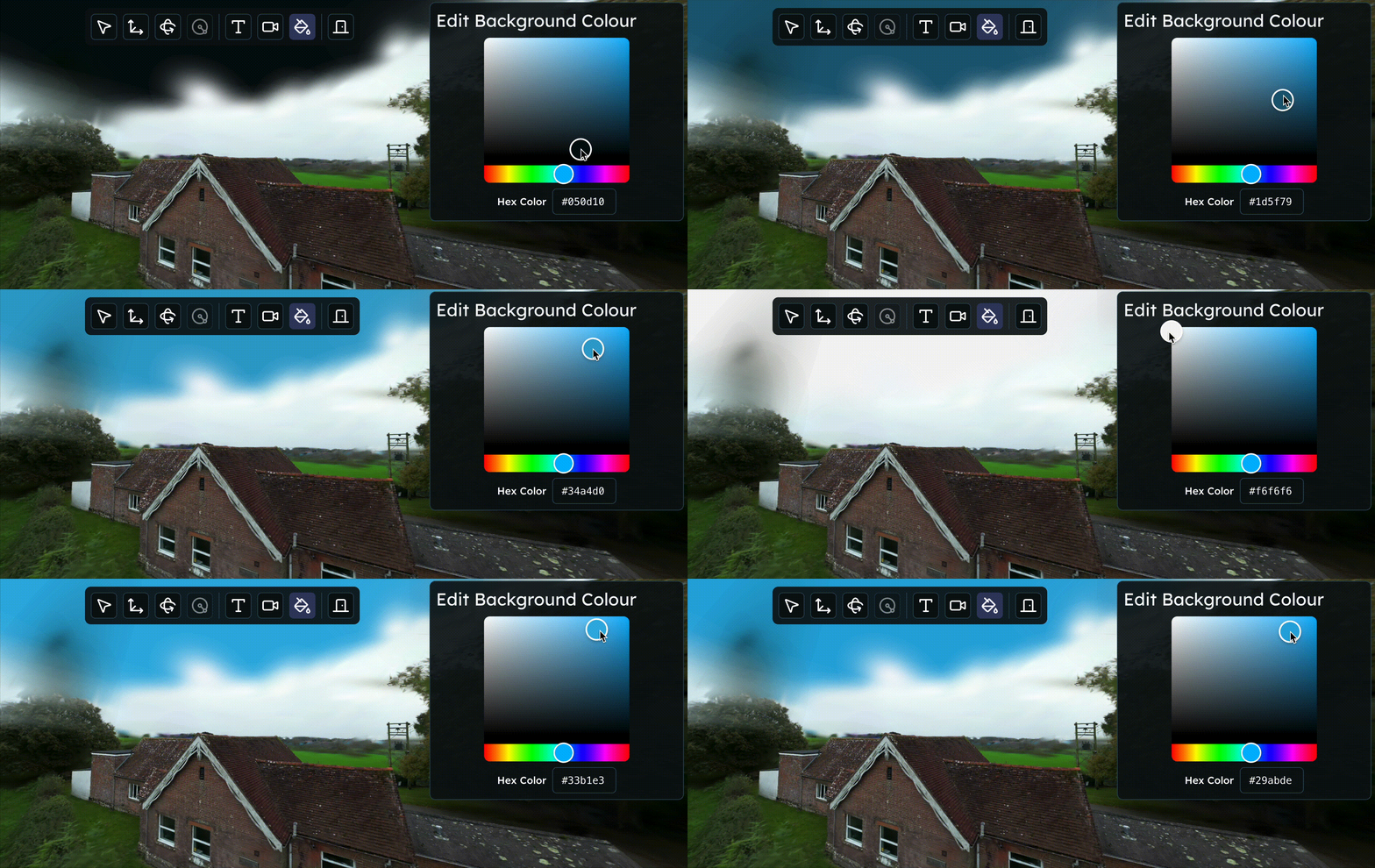

Blurry now natively supports LCC2, the new file format used by all XGRIDS capture devices. Thanks to this integration, you can cover the whole end-to-end reality capture pipeline without any intermedate file conversions.
Drag & drop upload
Just like you're used to with PLY files, you can now upload LCC2 ZIP bundles by dragging & dropping them onto the dashboard or editor. Blurry will automatically detect the format, extract the relevant data, and create a scene for you.
This allows you to leverage Blurry's hosting, editing and viewing capabilities in combination with your XGRIDS capture devices in one streamlined workflow.
What should the ZIP contain?
Upload the ZIP files directly exported from XGRIDS's software. Be careful not to modify the ZIP contents or structure, as Blurry relies on the original format to correctly process the files. The structure of the ZIP should be according to the XGRIDS documentation.
| Path | Required | Description |
|---|---|---|
| XXX.lcc2 | Required | Metadata description file, providing an overall description of the scenario data. |
| data/3dgs | Required | Contains all 3dgs files, with extensions like .ply, .spz, .sog. |
| data/mesh | Optional | Contains all mesh files. |