Model Alignment
For correct navigation, the 3DGS model has to be aligned with the ground plane in Blurry editor which is visible as a grid.
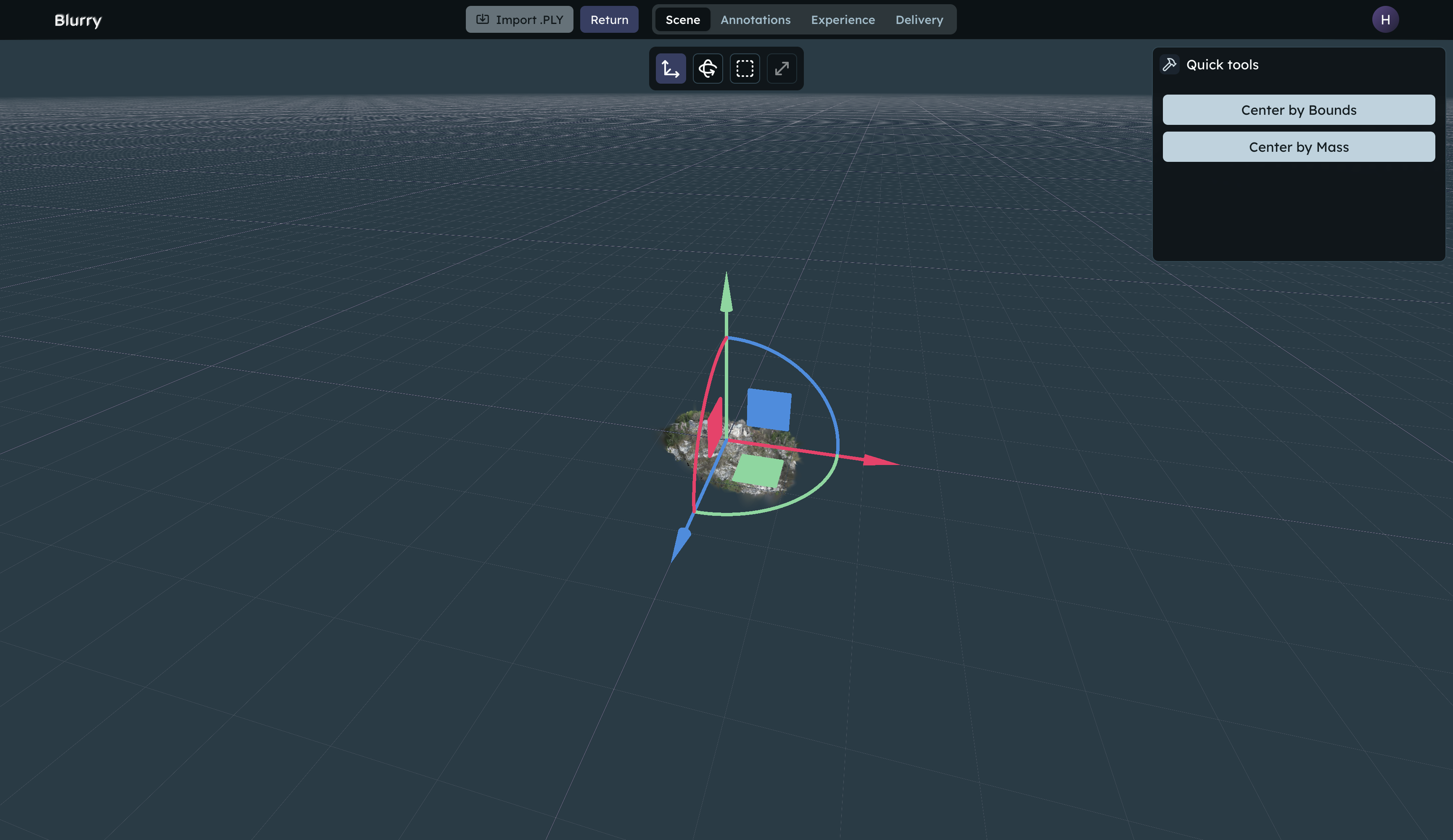
Fixing rotation
3DGS models might come with a misaligned rotation. You can fix these with the rotation widget or the arcball tool.
Widget
Drag on the arcs of the transformation widget to adjust the rotation of the model.
Arcball
Choose the Arcball . Then drag on the arcball to adjust the rotation of the model. Arcball is particularly useful for fine adjustments.
Fixing position
For most applications, the model should be in the center of the scene. The center of the scene is where the translation widget naturally lies and the pivot point for the camera.
Translation widget
Drag on the translation widget to adjust the position of the model. The widget resets position after interaction.
Automatic centering
To center the model automatically, you can use the and buttons under the Transform tool.
Centering by bounds centers the model by its absolute size in terms of splat positions. Centering by mass calculates the center of mass of the model and takes uneven splat density into consideration.
Every model is different and we encourage users to try both and see which one works better in their case.