Preview thumbnails
Learn what preview thumbnails are, when Blurry generates them, and how they appear in shared scene links.
Overview
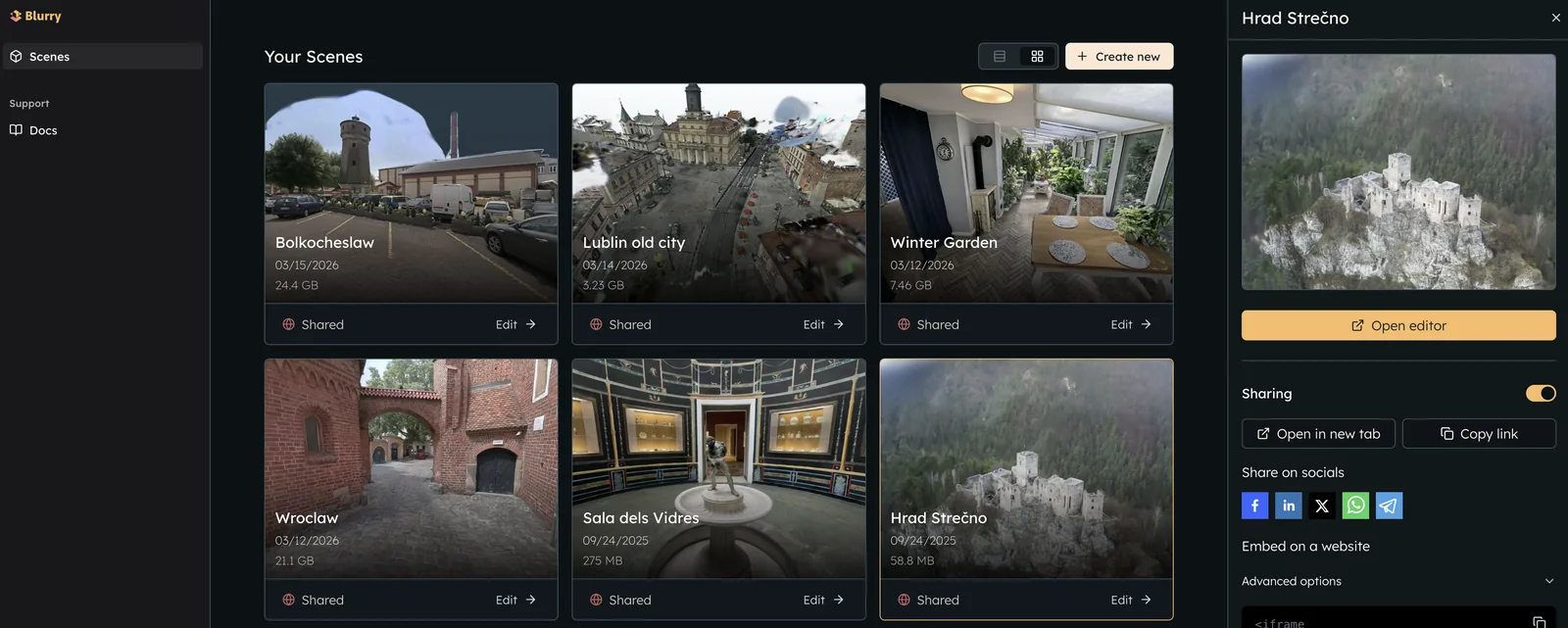
Preview thumbnails are generated stills of your scene.
Blurry uses them anywhere someone needs a visual preview before opening the interactive viewer. You see them in scene lists, scene cards, and other surfaces that need a compact representation of the scene.
These images are not manually uploaded images, and they are not screenshots taken from your browser. Blurry renders them from the saved scene data.
When previews are generated
Blurry generates previews after upload once it has a renderable version of the model.
For smaller uploads, this can happen soon after the model finishes uploading. For larger uploads, preview generation may wait until Blurry has generated a lower-detail variant that can be rendered.
Blurry also regenerates previews when changes affect the saved preview view, such as the saved initial camera, model transform or alignment, and background colour.
What view previews use
Previews are rendered from the default camera location you set per scene. Blurry preserves the camera location, field of view, and background colour for the preview.
The preview is rerendered whenever there is such a scene change that would affect the preview.
Social media previews
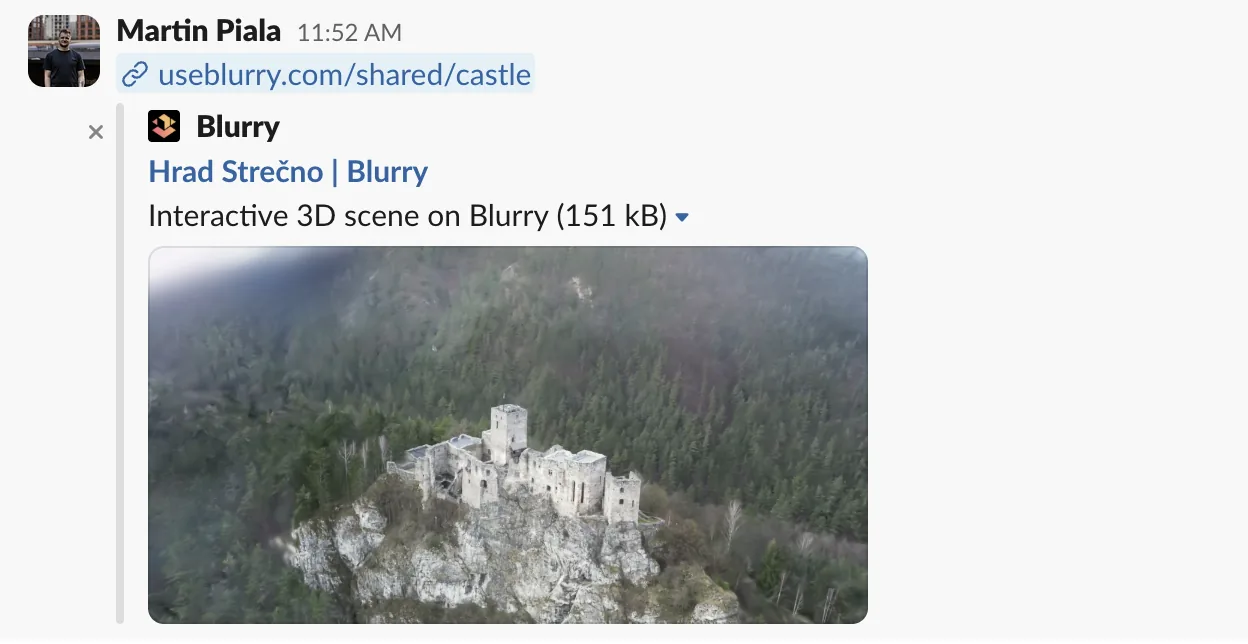
Blurry also generates Open Graph images from the preview pipeline.
Social platforms use these images when someone shares a scene link. This gives shared links a visual card instead of a blank preview, so recipients can see what the scene contains before opening it.